Features
Everything a sandbox should do. Nothing it shouldn't.
Shells wraps Omega's production sandbox workload in a deliberately small surface: create with a runtime, control the lifecycle, watch every action land in the terminal, and tear it all down without residue.
Five language presets
bash, node, python, rust, go — toolchain pre-installed, ready at create.
Three isolation classes
wasm for speed, container for familiarity, microvm for hard boundaries.
Multi-region placement
Shells run close to your callers; each row shows its region in the fleet.
Per-second metering
Sessions are metered when they start, not when you remember to stop them.
Live fleet
The table polls Omega continuously — status changes appear without a refresh.
⌘K everything
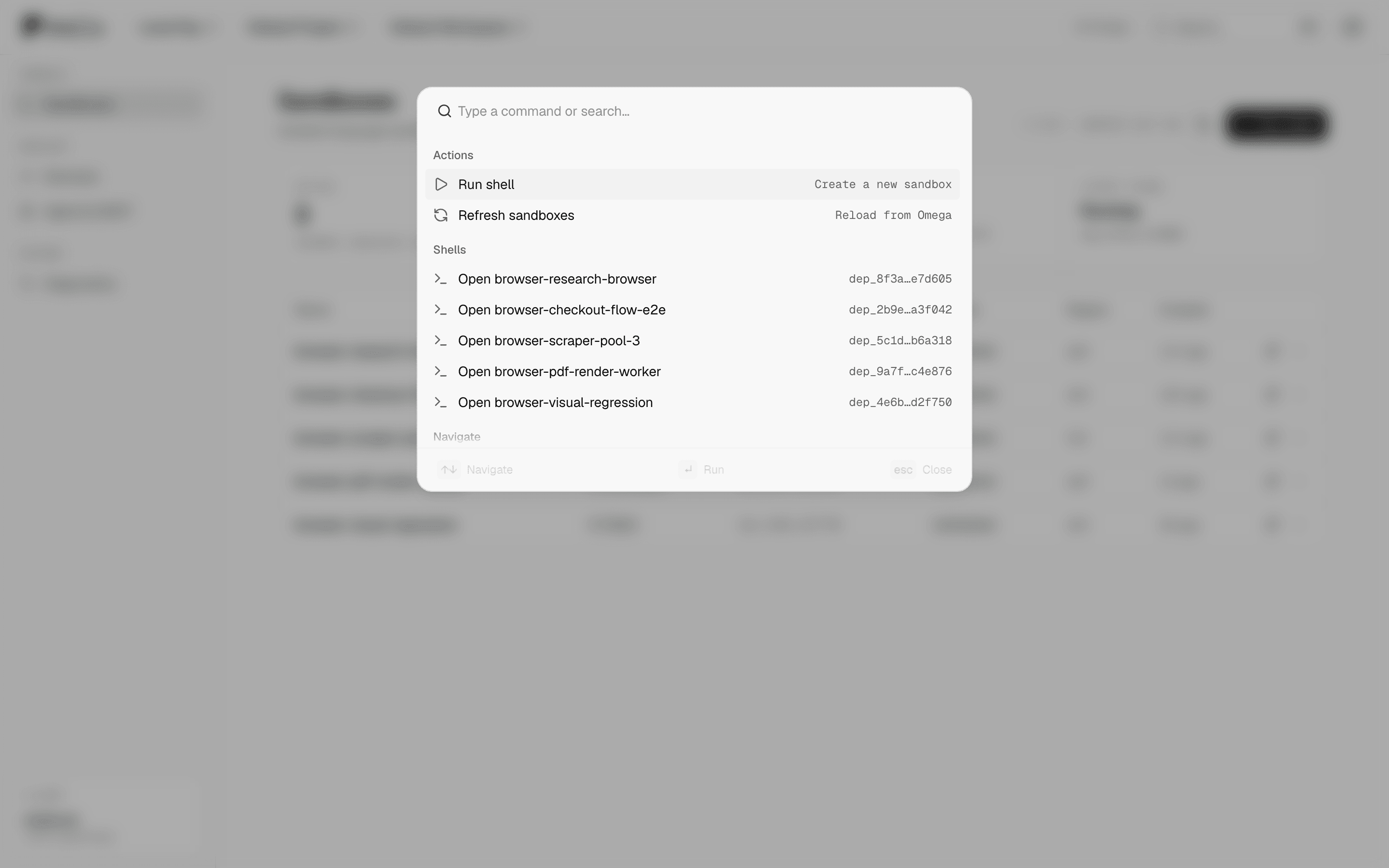
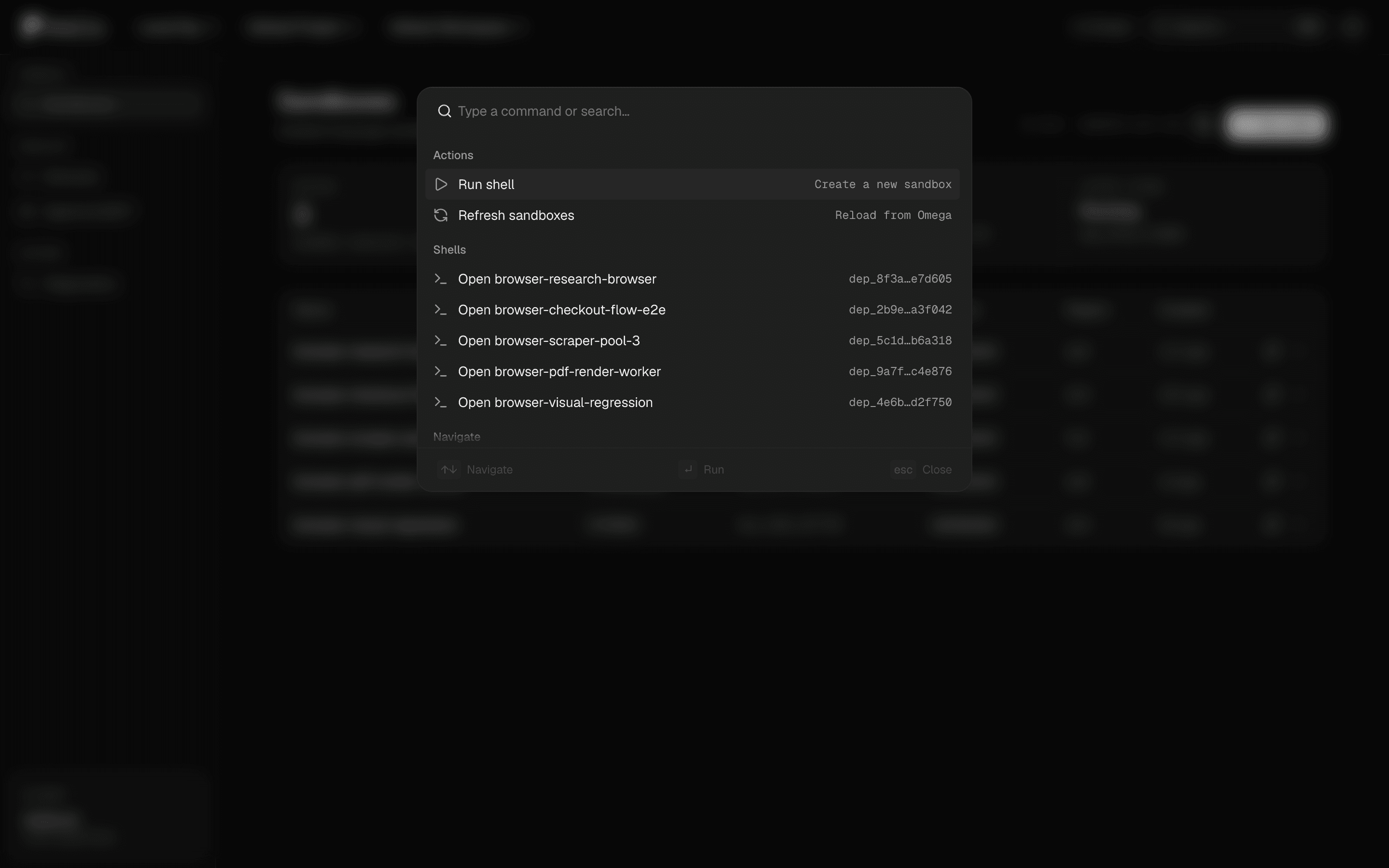
Run, refresh, or open any shell from the command palette.
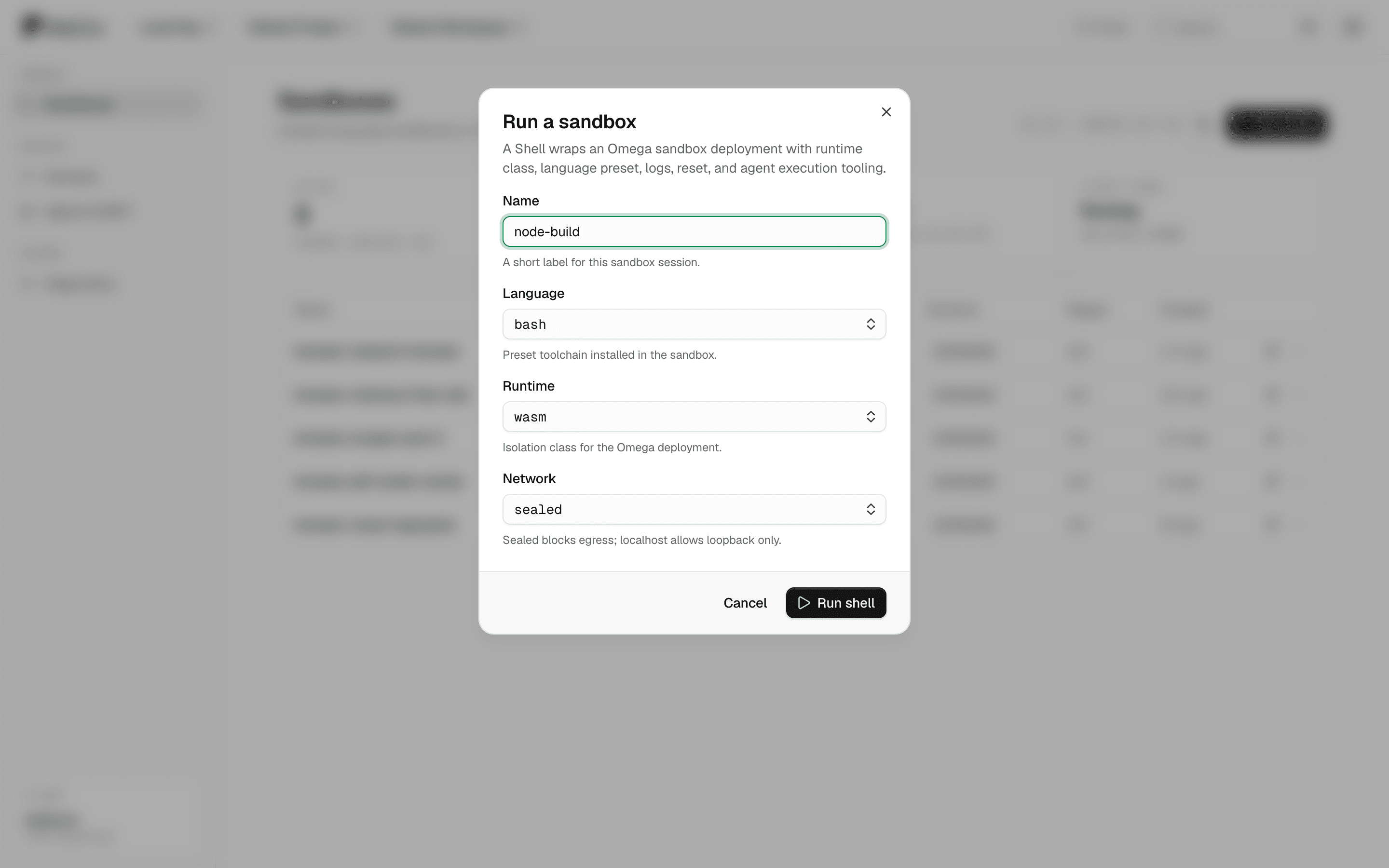
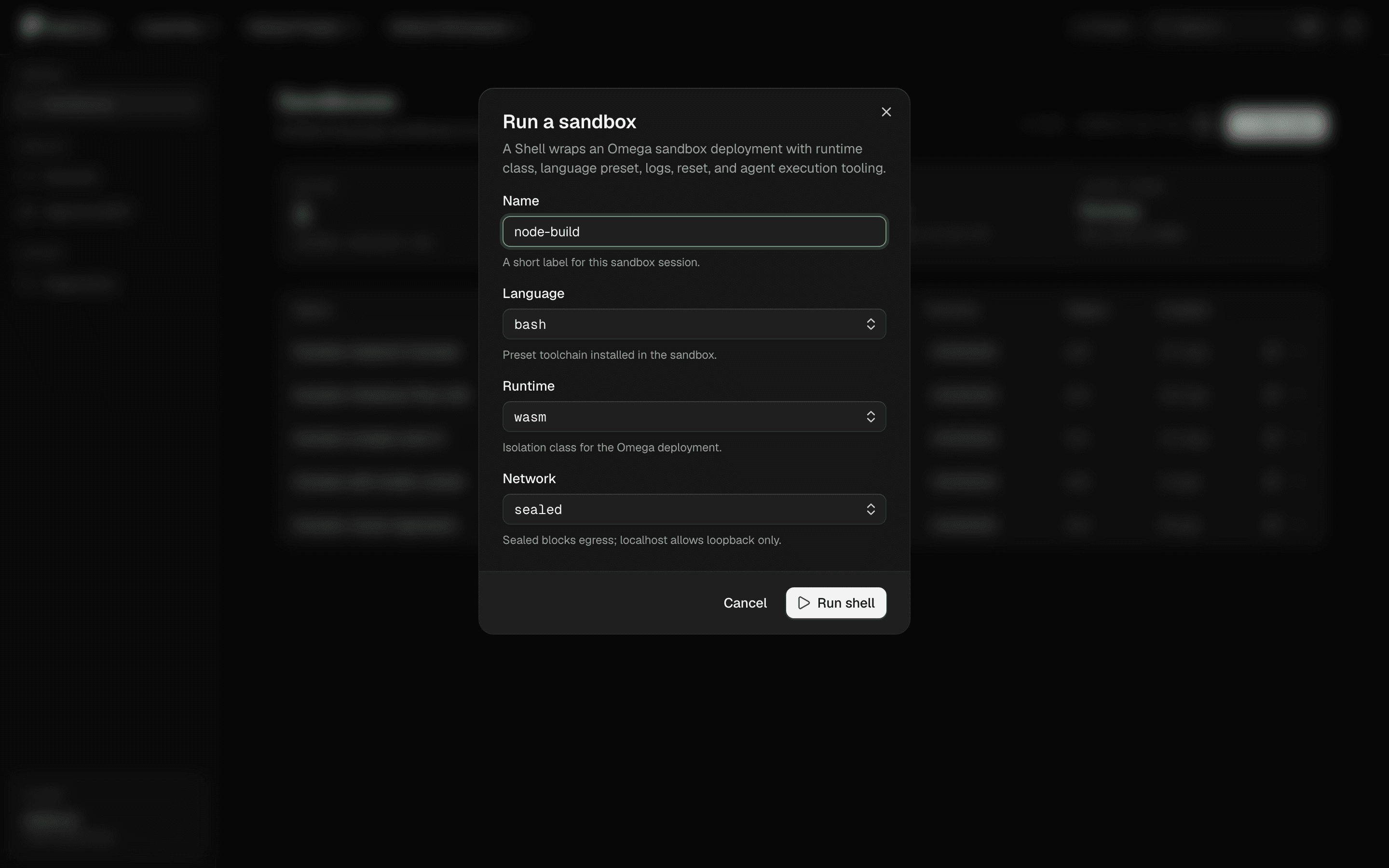
Create
Runtime is a decision, not a default.
The create dialog asks three questions that matter: which language toolchain, how hard the isolation boundary, and whether the network exists at all. Sealed is the default — egress is something you grant, not something you forget.
Lifecycle
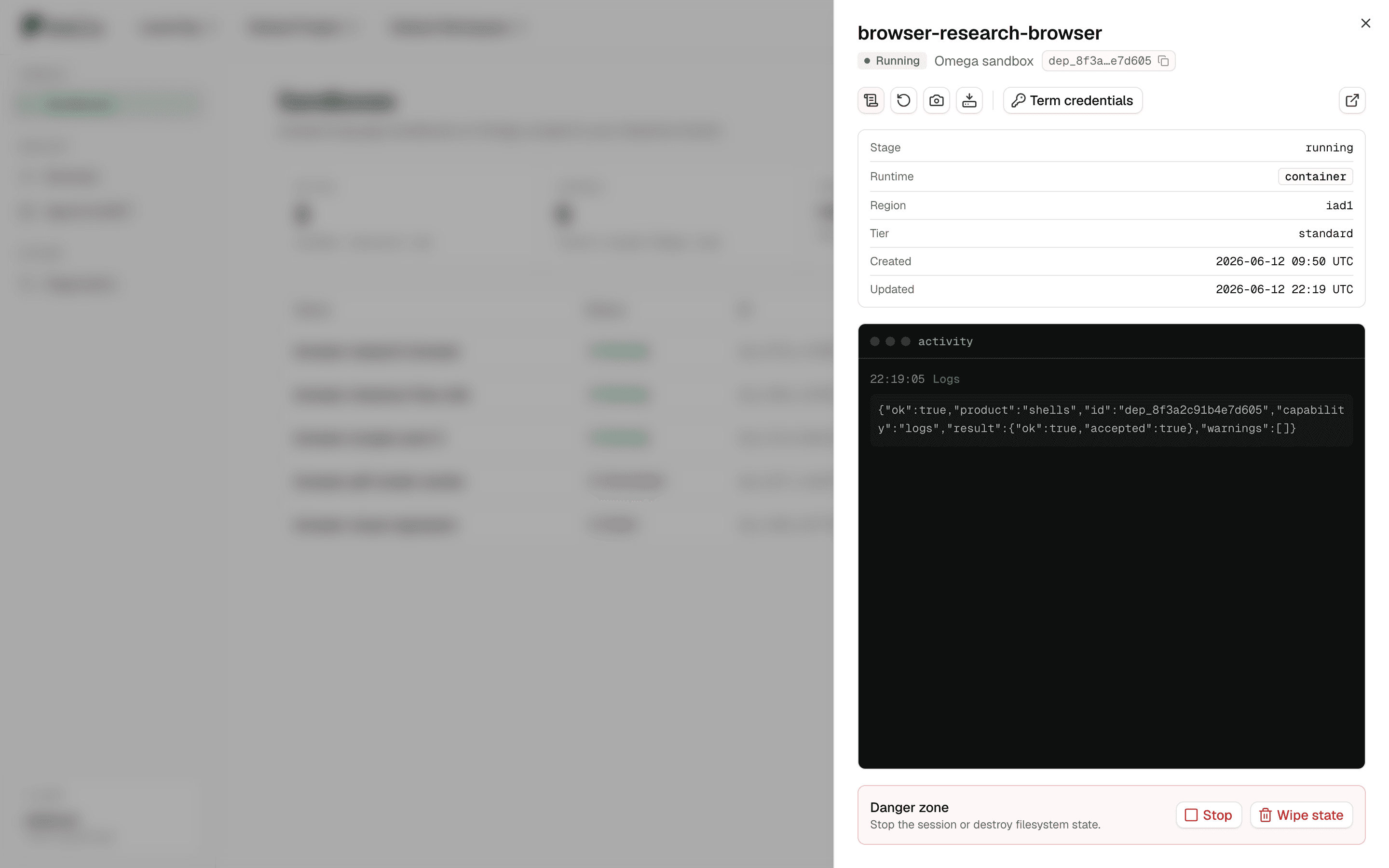
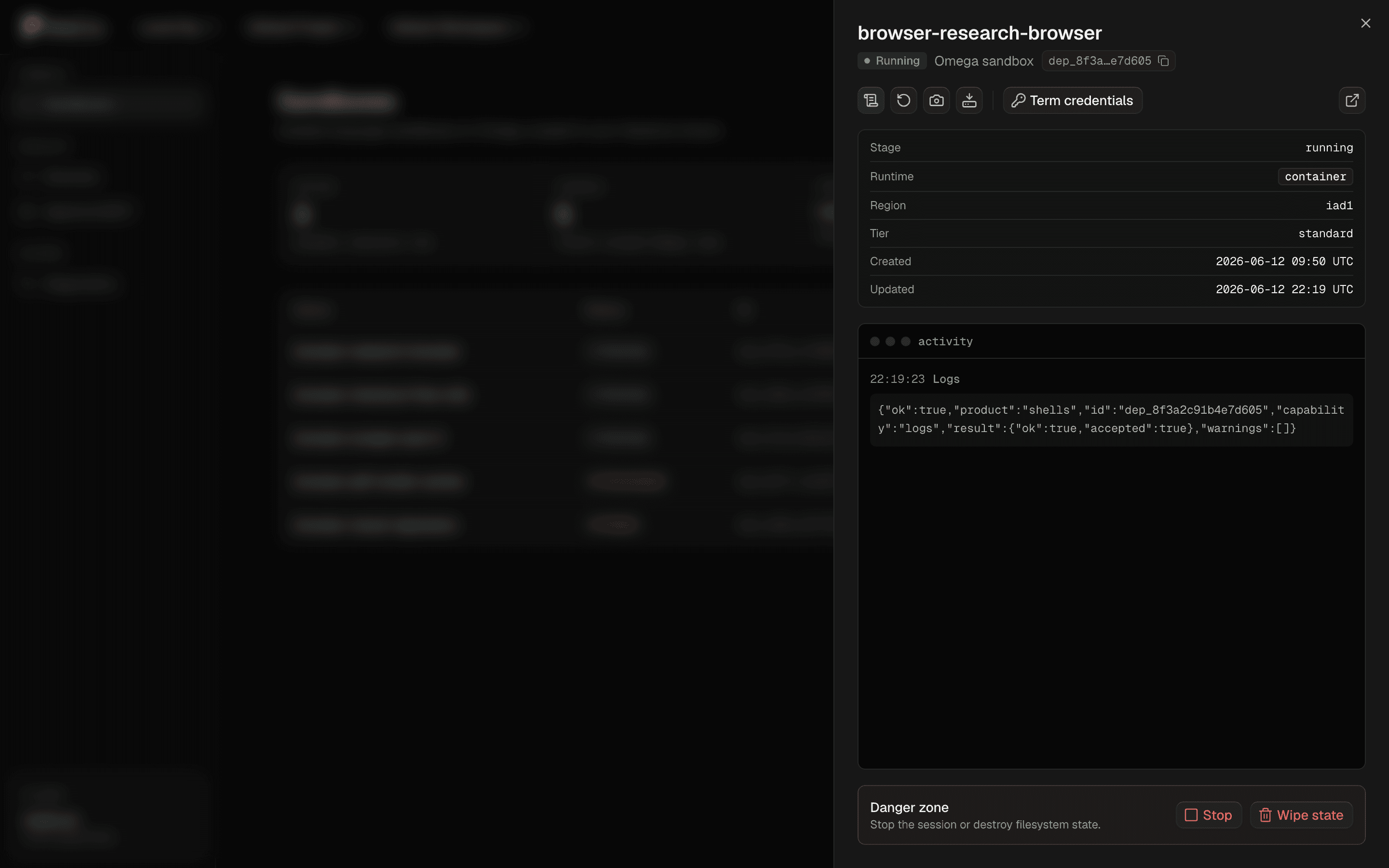
The terminal remembers.
Restart, snapshot, fetch logs, reinstall the OS — every action you or your agents take is appended to the activity terminal with a timestamp. Stop and wipe_state live apart in a danger zone with typed confirmation. Logs are pulled on demand through the same action API, so what you see is what actually ran.
Credentials
Secrets with a half-life.
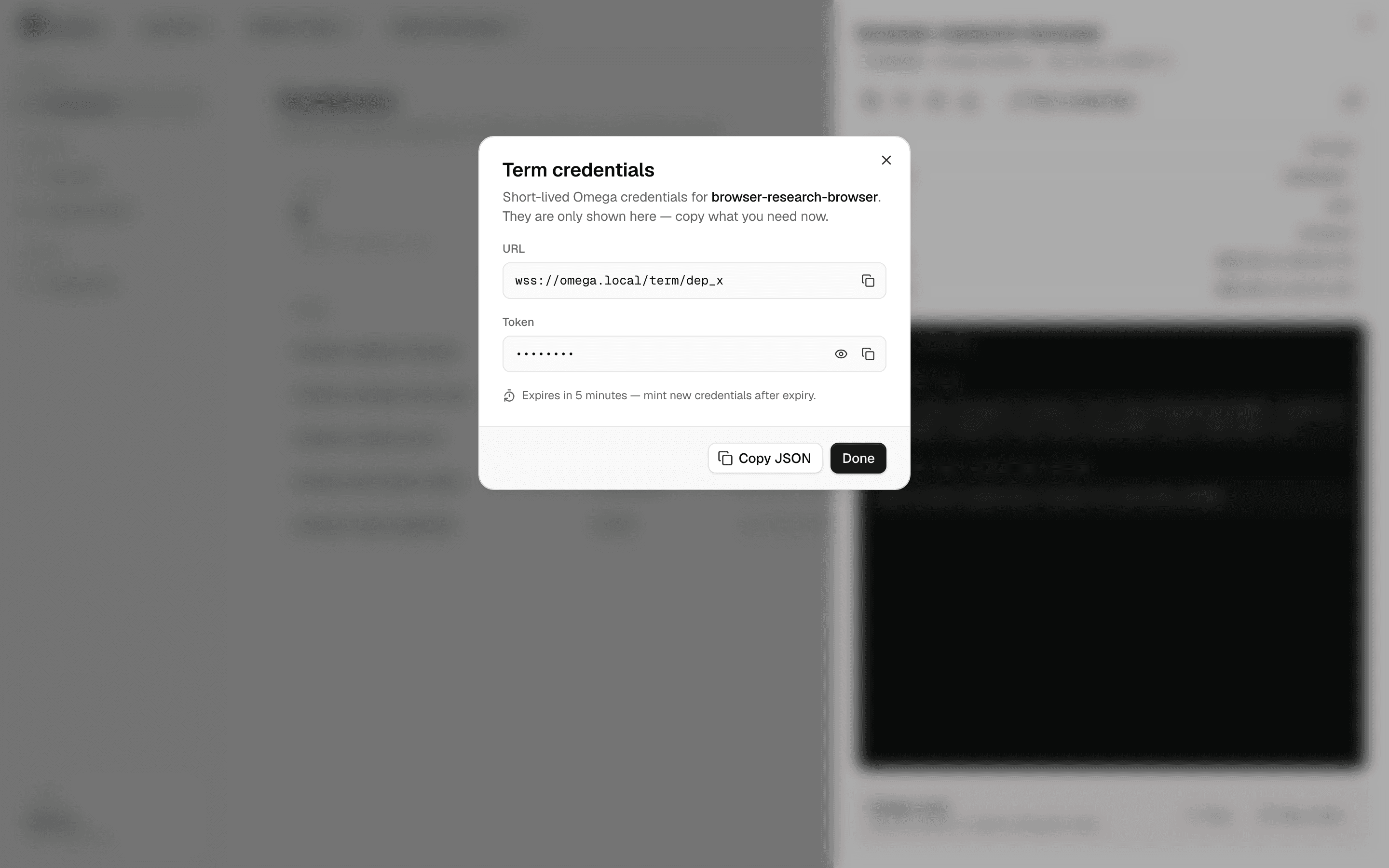
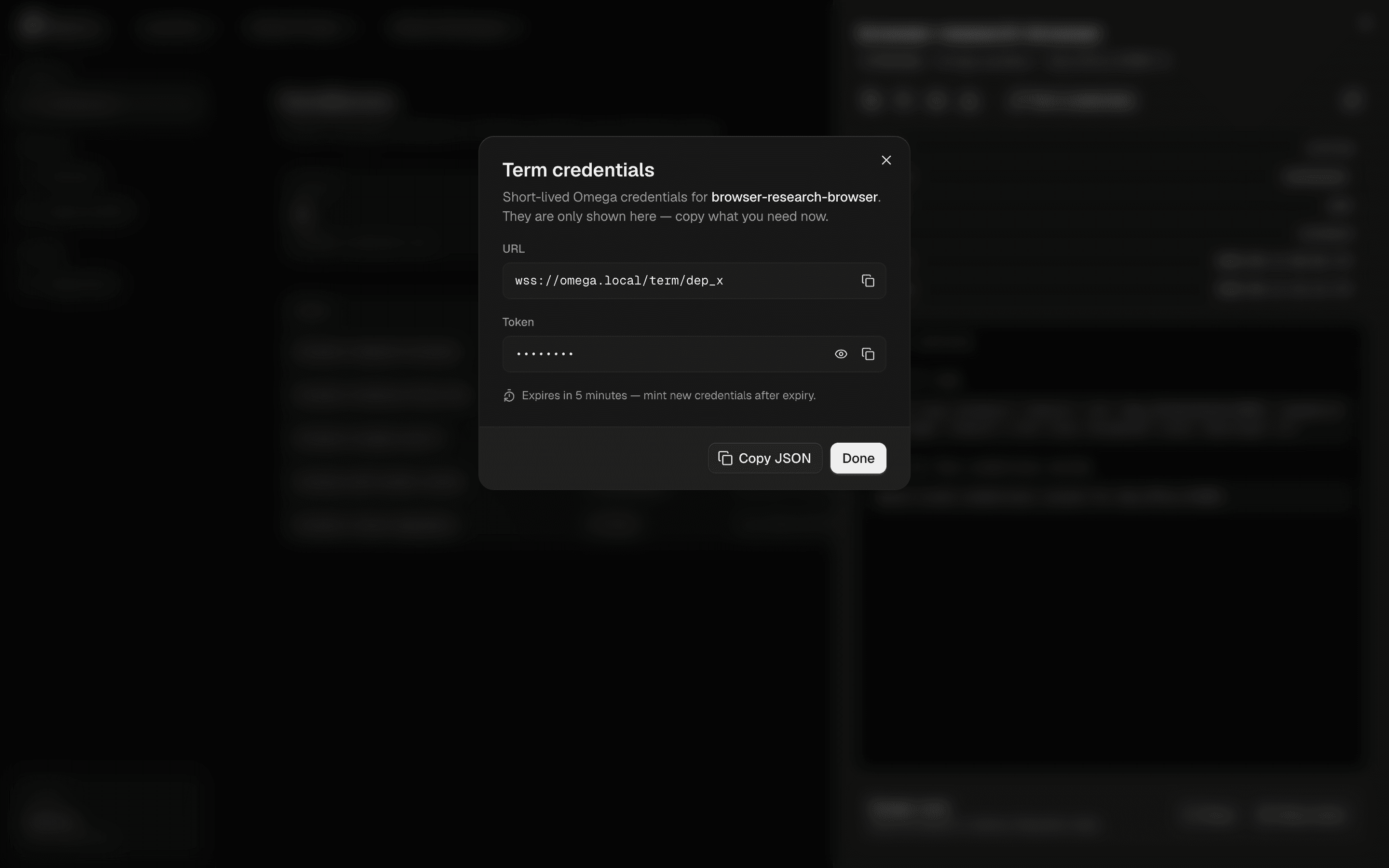
Term credentials connect you to a live session — and that's all they do. Minted on demand, masked in the console, expired in minutes. The activity terminal records that a mint happened, never the material itself.
Speed of use
Keyboard-distance to everything.
⌘K opens the palette: run a new shell, refresh the fleet from Omega, or jump into any instance by name. The whole console is keyboard-navigable — built for people who live in terminals.
For agents
The same product, machine-shaped.
Four MCP tools mirror the console exactly — list, create, action, term. Agents operate within the same Keystone boundary as humans, with one extra gate: the shells.agent.invoke entitlement.